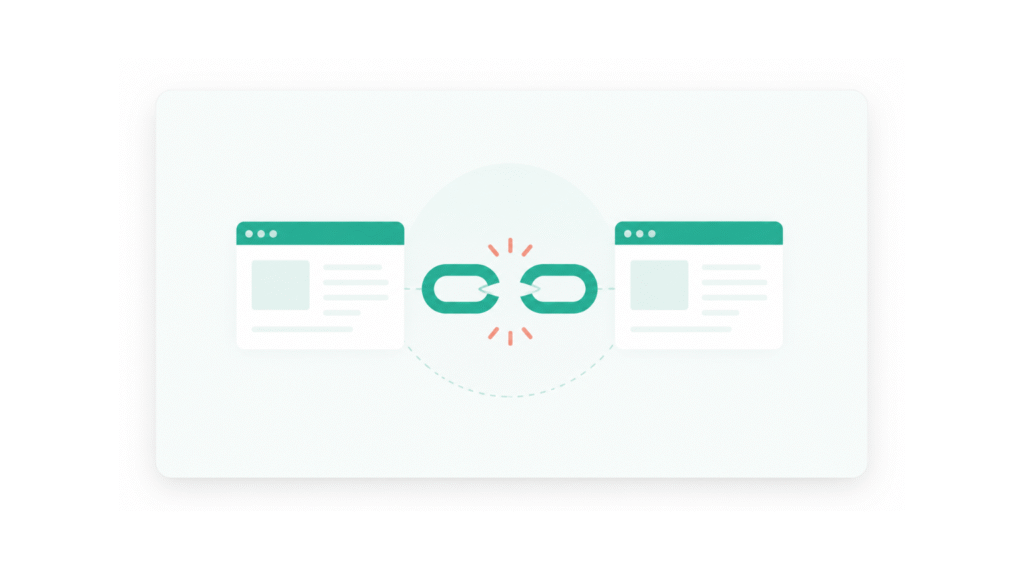
If you’ve ever clicked a link on a website and landed on a page that says “404 – Page Not Found,” you’ve experienced a broken link firsthand. It’s frustrating as a visitor. But if those broken links are sitting on your own website, the problem goes well beyond user frustration — they can quietly eat away at your search rankings, your credibility, and your conversion rate.
The good news? Broken links are fixable. And once you know what to look for, finding and cleaning them up is straightforward — even if you’re not particularly technical.
This guide covers everything you need to know: what broken links are, what causes them, how they affect your SEO, how to find them, and how to fix them for good.
What Is a Broken Link?
A broken link is any hyperlink on your website that no longer leads to its intended destination. When someone clicks it — or when a search engine crawler follows it — instead of loading the page, they get an error.
The most common error is a 404 (Not Found), which basically means the page doesn’t exist at that URL anymore. But broken links can also trigger other error codes depending on what went wrong:
- 404 (Not Found) — The page has been deleted or moved without a redirect
- 410 (Gone) — The page was permanently removed and won’t be coming back
- 400 (Bad Request) — The URL itself is malformed or contains an error
- 502 (Bad Gateway) — A server communication issue that made the page inaccessible
All of these result in a dead end for visitors and crawlers alike. Whether the broken link points to a page on your own site (internal link) or to a page on someone else’s site (external link), the impact on user experience is the same — and the SEO consequences are real.
What Causes Broken Links?
Understanding why links break in the first place makes it easier to prevent them from piling up.
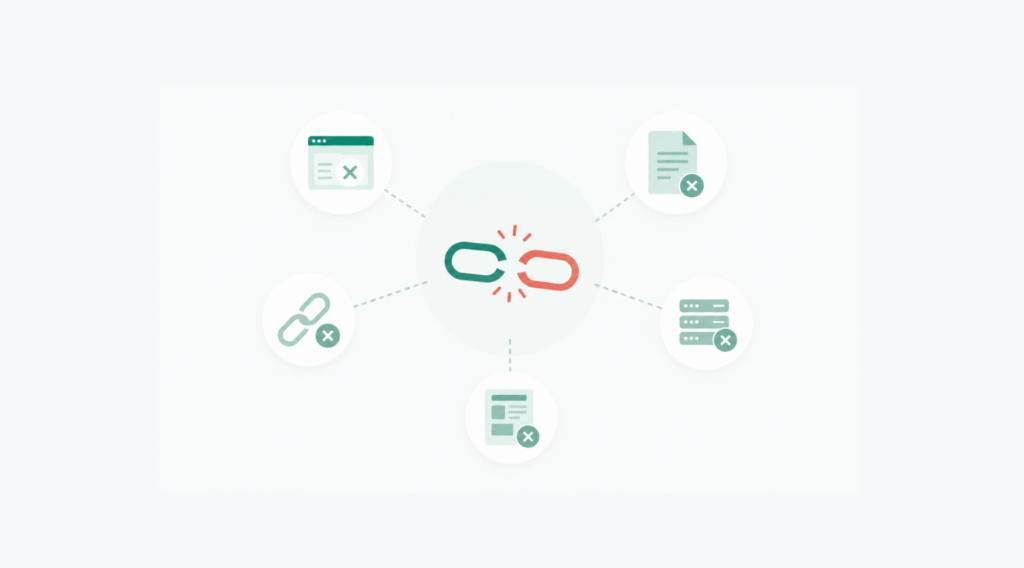
Pages get deleted without updating the links pointing to them. This is probably the most common cause. You remove a product, a service page, or an old blog post — but the links in your navigation menu, within other blog posts, or in your footer still point to that URL. Anyone who clicks those links hits a dead end.
URLs change without proper redirects in place. Maybe you restructured your site, changed your permalink format, or migrated from one platform to another. If the old URLs weren’t properly redirected to the new ones, every link pointing to those old addresses is now broken.
Typos in the URL. Simple human error. Someone manually typed out a link and got one character wrong. The link looks fine visually but goes nowhere.
External websites remove or relocate their content. If you’ve linked to an article, a resource, or a tool on another website, and that site deletes or moves that content without setting up a redirect, your outbound link is now pointing to nothing.
Domain changes on external sites. If a site you’ve linked to changes its domain name and doesn’t redirect properly, all your links to their old domain become broken.
How Broken Links Affect Your SEO
This is where broken links stop being just a UX problem and become an SEO problem.
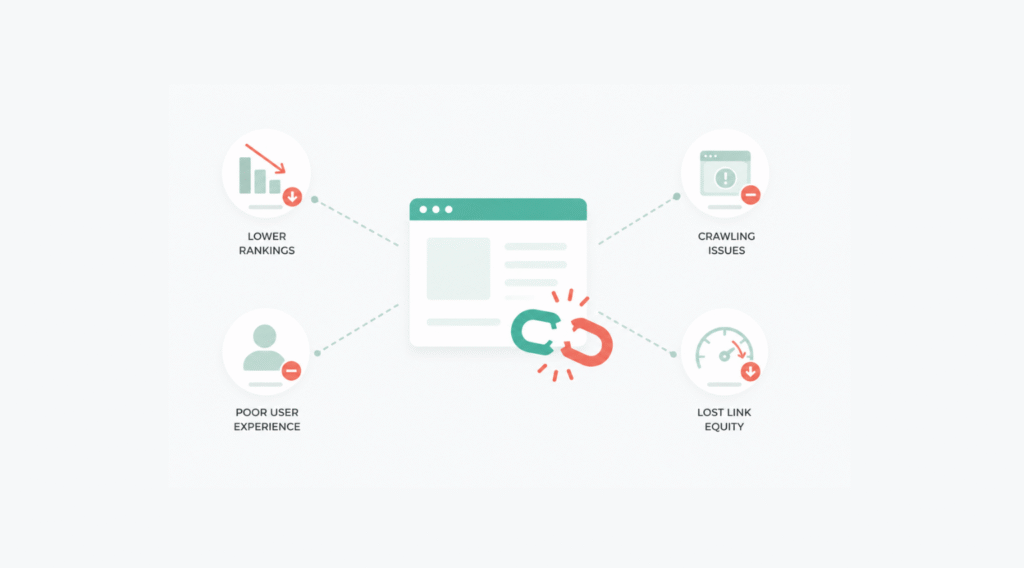
Crawling gets disrupted. Search engines like Google use bots to crawl your website and index its content. When those bots follow a broken link, they hit a wall. They can’t index what doesn’t load, and they waste crawl budget on dead ends instead of finding and indexing your valuable content.
Link equity gets lost. When other websites link to a page on your site that no longer exists, all that link equity — the SEO value passed through those backlinks — disappears into a 404 page. Instead of flowing through to your other pages and strengthening your site’s authority, it’s wasted.
Rankings can suffer. A site with a lot of broken internal links signals to search engines that it’s not well maintained. Technical health is a factor in how Google evaluates sites, and a site riddled with errors doesn’t inspire confidence — in users or in algorithms.
Conversions drop. A visitor who clicks a broken link doesn’t just leave — they leave with a bad impression. If they were heading toward a product page, a contact form, or a booking page, that broken link just cost you a potential customer.
How to Find Broken Links on Your Website
You can’t fix what you can’t find. Here are the most reliable ways to track down broken links before they do damage.
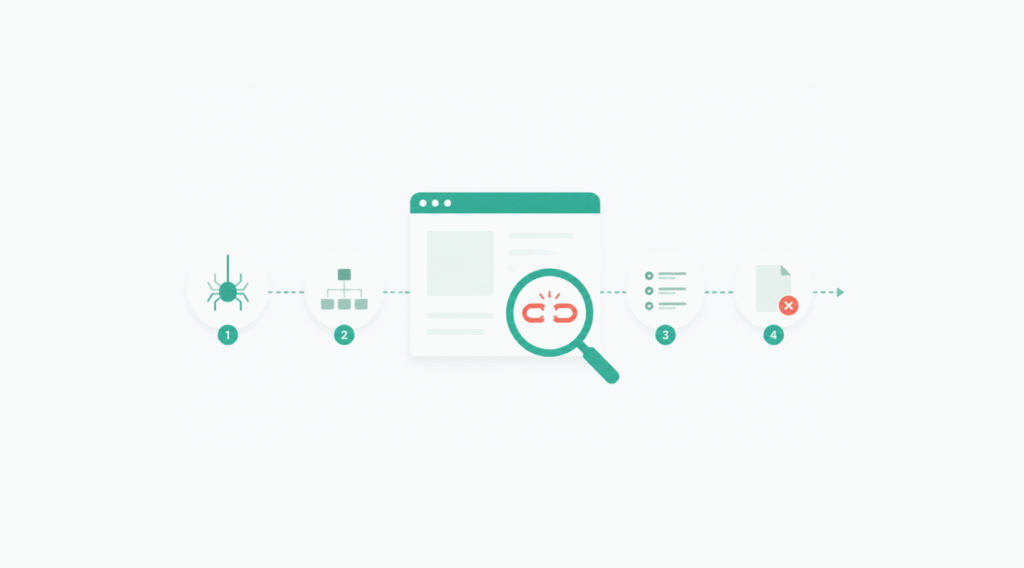
Run a Site Audit with an SEO Tool
This is the most thorough approach, especially for larger websites. Tools like Semrush’s Site Audit, Screaming Frog, or Ahrefs’ Site Audit will crawl your entire website the same way a search engine bot would — and flag every link that returns an error.
With these tools, you can see:
- Which pages contain broken links
- The exact broken URLs
- The HTTP status codes being returned
- Whether the broken link is internal or external
This is the approach worth investing in if you’re running a site with more than a few dozen pages. Doing it manually at that scale just isn’t realistic.
Check Google Search Console
Google Search Console is free and shows you pages on your site that Googlebot couldn’t crawl or index. Navigate to Indexing > Pages and look for entries under “Not found (404)” or similar error statuses.
One important caveat: Google Search Console only shows errors that Googlebot has already encountered. It’s not a proactive scan — it’s a log of what Google ran into while crawling. So it’s useful, but not comprehensive on its own.
Use a Browser Extension
For checking individual pages, browser extensions like Broken Link Checker (available on Chrome) do the job quickly. Install the extension, visit the page you want to check, and it’ll flag every link that returns an error or redirect.
This is ideal for auditing a specific page before publishing, or doing a spot check on your most important landing pages.
Manual Checking
Clicking through links one by one works — but only for very small sites. For anything beyond a handful of pages, this approach is too slow and too easy to miss things. Use it to verify fixes after the fact, not as your primary discovery method.
How to Fix Broken Links
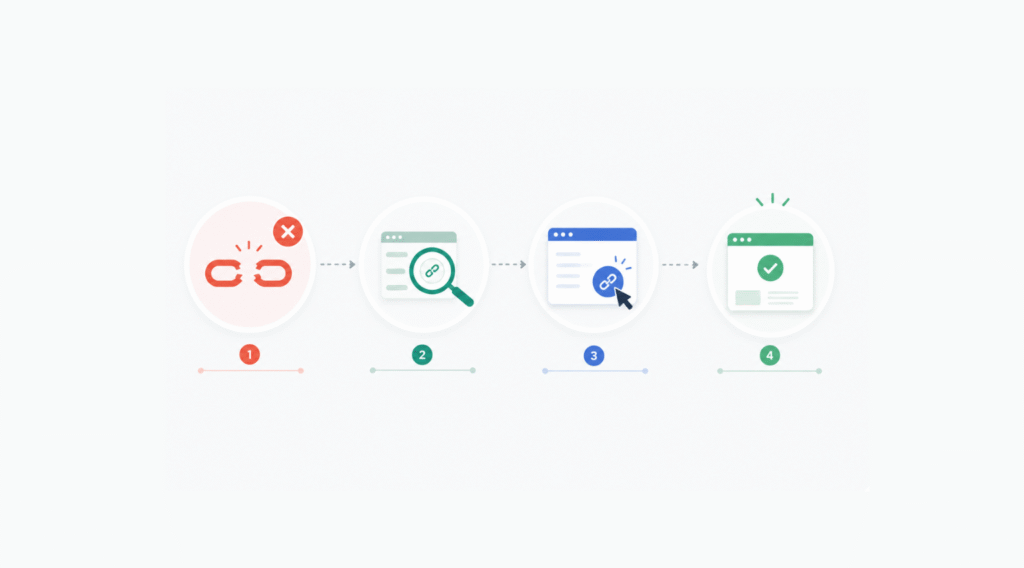
Once you’ve found your broken links, fixing them comes down to a few straightforward options depending on whether they’re internal or external.
Fixing Broken Internal Links
You have full control over your own site, so broken internal links are the most straightforward to resolve.
Set up 301 redirects. If a page has been moved to a new URL, a 301 redirect automatically sends visitors (and search engines) from the old URL to the new one. This preserves most of the original page’s link equity and ensures no one hits a dead end.
For WordPress sites, plugins like Redirection or Rank Math make setting up 301 redirects simple — no server file editing required. If you’re comfortable working with server files, you can add redirect rules directly to your .htaccess file (for Apache servers) or your server block configuration (for Nginx).
Update the link directly. If you know where the content has moved, the cleanest solution is to update the broken link to point directly to the correct URL. Relying on a redirect adds an extra step in the page load chain — updating the link removes that friction entirely.
Remove the link. If the content no longer exists and there’s no suitable replacement, remove the hyperlink. If the surrounding text still makes sense without the link, keep the text. If the reference doesn’t hold up without the linked resource, remove the whole sentence or section. Outdated references make your content look stale.
Fixing Broken External Links
You can’t control what other websites do with their content, so fixing broken external links means working around whatever happened on their end.
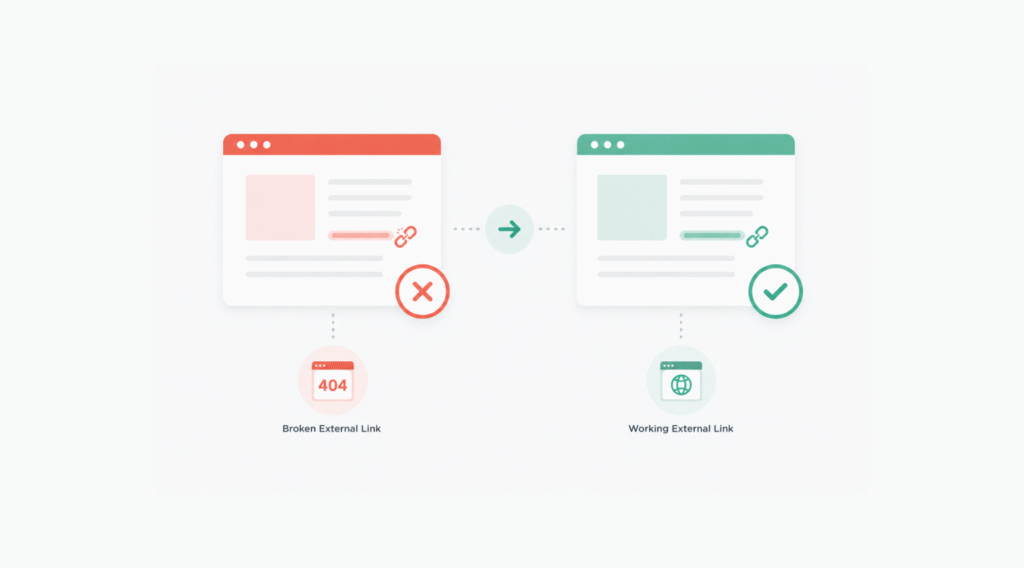
Find a replacement link. Search for updated content that covers the same topic. If the original article was a useful resource or statistic, there’s often a newer, more current version elsewhere. Updating to a better, more recent source can actually improve your content while solving the broken link problem.
Check if the page was just moved. Sometimes external sites restructure their URLs without proper redirects. Try searching for the page title or topic on that site directly — the content may still exist, just at a different URL.
Remove the link. If no reliable replacement exists, remove the link. An outbound link to a 404 page gives your visitors nowhere useful to go and signals to search engines that your content isn’t being maintained. A clean, link-free sentence is better than a broken reference.
How to Prevent Broken Links Going Forward
Fixing existing broken links is important. Preventing new ones from accumulating is even more valuable long-term.
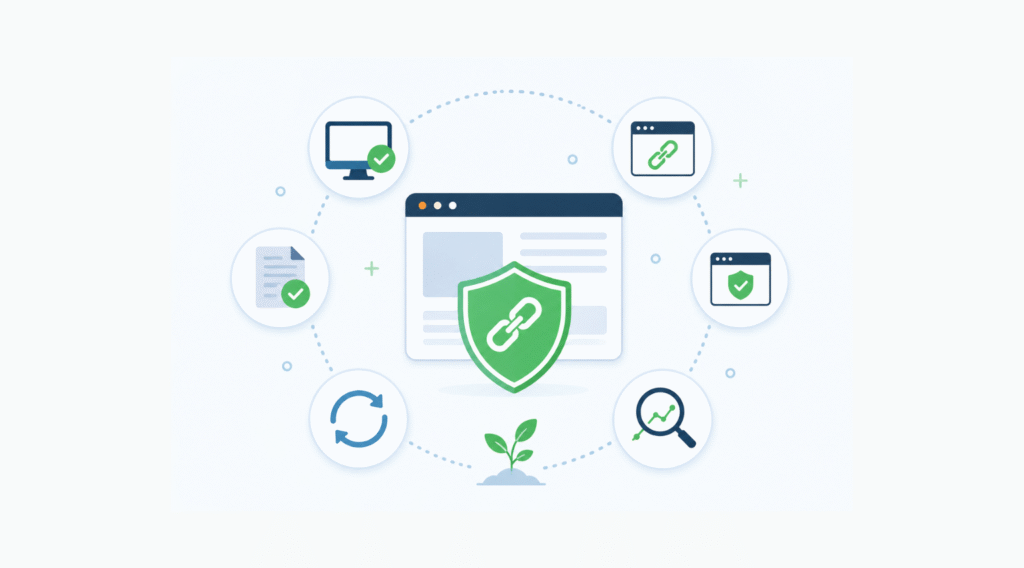
Set up redirects before you delete or move pages. This is the single most effective habit to build. Before you remove or restructure any page, create a 301 redirect from the old URL to the most relevant replacement. Do this before publishing the change, not after.
Test every link before publishing new content. Before hitting publish on a new blog post or page, click through every link in the content. It takes two minutes and catches typos and outdated URLs before they reach your readers.
Use stable, descriptive URL structures. URLs that reflect the content and hierarchy of your site (e.g., /services/seo/ rather than /page?id=42) are less likely to need changing. A URL structure you can commit to long-term means fewer future redirects and fewer broken links.
Schedule regular audits. Run a site audit every month or every quarter depending on how actively you’re publishing. The longer broken links sit unfixed, the more damage they do — catching them early keeps your technical SEO clean and your visitors happy.
Be selective with external links. Only link to external resources that are from established, authoritative sites that are unlikely to disappear or restructure without warning. Linking to content on major publications or official sources is safer than linking to small blogs or single-page resources that may not be maintained.
Internal vs. External Broken Links: Which Matters More?
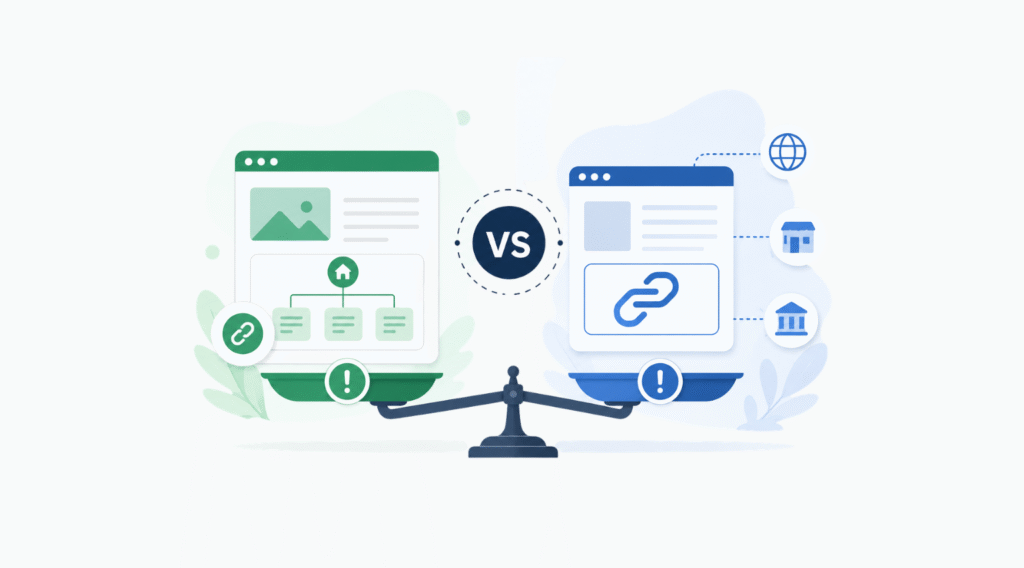
Both matter, but for different reasons.
Broken internal links are more directly damaging to your SEO. They disrupt crawling, waste crawl budget, cut off link equity flow between your pages, and create dead ends for visitors who are actively navigating your site. These should be your first priority.
Broken external links don’t directly harm your rankings, but they do harm your credibility. Readers who click your outbound links and hit a 404 page lose trust in the quality of your content. It signals that your site isn’t being maintained — and that perception matters, both to visitors and indirectly to how Google evaluates your site’s quality.
Fix internal first, external second. But don’t ignore either.
A Quick Action Plan
If you’ve never audited your site for broken links before, here’s where to start:
- Run a crawl using a site audit tool or Screaming Frog’s free version (crawls up to 500 URLs)
- Export the list of broken links and sort by internal vs. external
- For broken internal links — set up 301 redirects for moved pages, update links where possible, and remove links where no replacement exists
- For broken external links — find replacement sources or remove the links
- Set up a recurring reminder to audit again in 30–90 days
That’s it. It’s not glamorous work, but keeping your internal links clean is one of the most underrated technical SEO habits you can build. Most sites that struggle with crawlability and indexation have broken link problems they never bothered to address.
Fix them, keep them fixed, and your site will be in better shape than most of your competitors.
Final Thoughts
Broken links are one of those technical issues that are easy to ignore because they don’t cause an obvious, immediate problem. But over time, they accumulate — and the compounding effect on your SEO, your user experience, and your site’s credibility is very real.
The tools to find and fix them are either free or inexpensive. The habits to prevent them are simple. There’s really no reason to let broken links sit on your site any longer than they have to.
Run that audit, clean up what you find, and build the prevention habits into your publishing workflow. Your visitors — and your rankings — will thank you for it.
Need Help Fixing Your Website’s Broken Links?
If you’re a business owner in Washington DC and don’t have the time to audit and fix your site yourself — that’s exactly what we do at Hey Kumar Agency. We offer full technical SEO audits, broken link fixes, and ongoing website maintenance as part of our digital marketing services. A cleaner site means better rankings, more traffic, and more customers finding you locally.
Visit heykumar.agency to learn more or reach out directly — we’d love to help your business grow online.